28 Jun 2024
Welcome to the new and better banking experience for you
Step 1 of 6
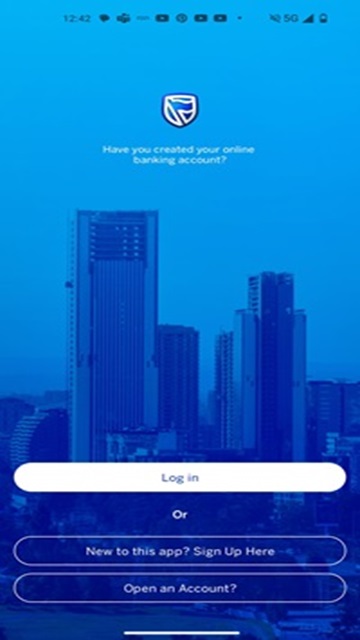
Stanbic Mobile Launch Page:
Have you been using our mobile banking app? Select:
New to this app? Sign Up Here
Never used our mobile app before? Select:
New to this app? Sign Up Here
Download on Playstore

Download on Appstore

Step 2 of 6
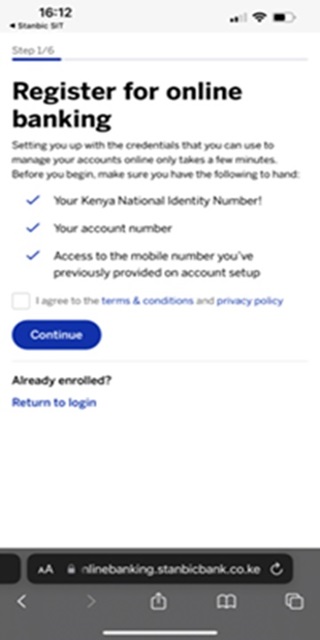
Pre-requisites for Stanbic Mobile Registration, Terms and Conditions and Privacy policy
Required documentation information for Registration as per personal information shared with the Bank:
- National ID, Alien ID or Valid Passport
- Account Number
- Mobile Number
Step 3 of 6
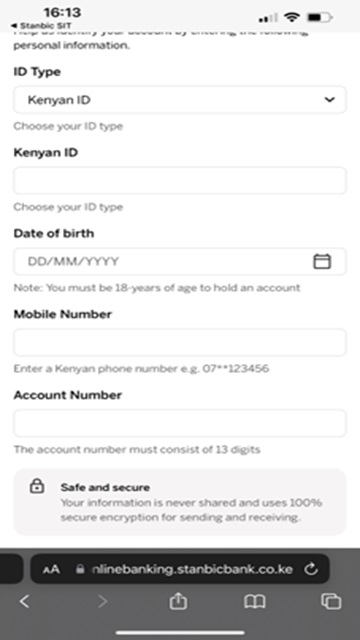
Capturing static data
-
Capture the static data as per instructions highlighted on the placeholders
-
Once completed click on the ‘continue’ button once
Step 4 of 6
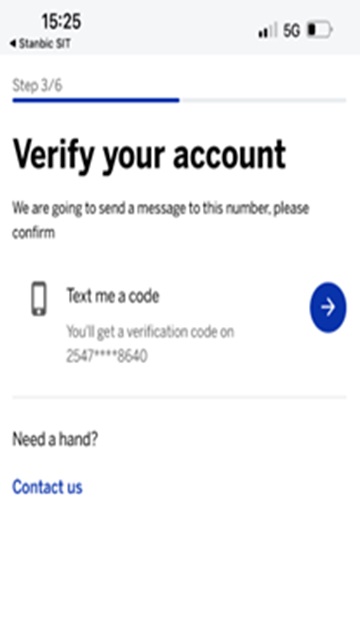
Account Verification
Proceed to click on the blue arrow once you receive the OTP on SMS.
Do not share your OTP and Stanbic Bank will never call asking for
your OTP
Step 5 of 6
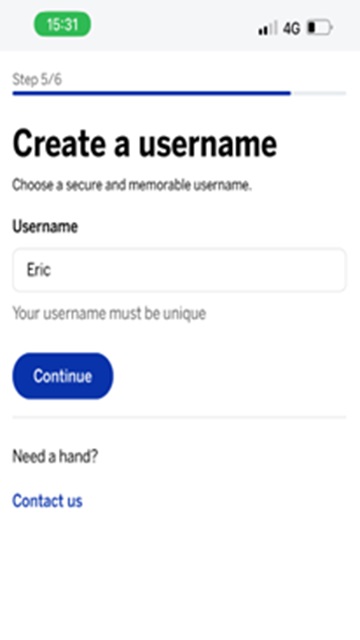
Username Creation
Once a user receives a valid OTP, the screen transitions to the Create username screen. The user should choose a unique username that presumably hasnt been chosen by any other user currently on the Stanbic Mobile Platform.
The user name here is not case sensitive and Special Characters are not allowed. Click Continue Once.
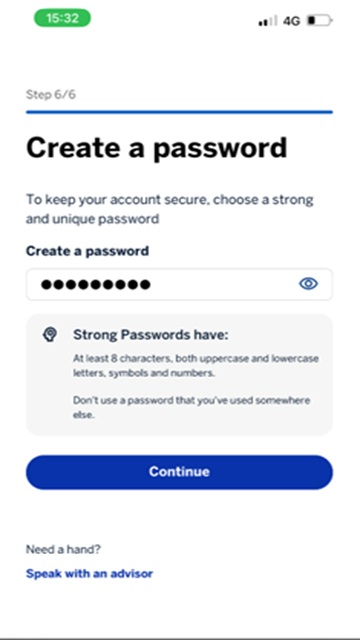
Step 6 of 6
Password Creation
Capture a password that is aligned to the complexity highlighted in the placeholder.
- Atleast 8 Characters
- Atleast 8 Characters
- Symbols and numbers
A mental note at this pont, once the user has captured the preferred password, proceed to click the ‘eye’ icon for comfort
that the password you have captured is actually the Password they thought to have captured. This is due to the fact there isn't a second field to confirm the password.
Once done click ‘Continue’ once.
Registration Successful, User Created ‘LOG IN’
Download on Playstore
Download on Appstore